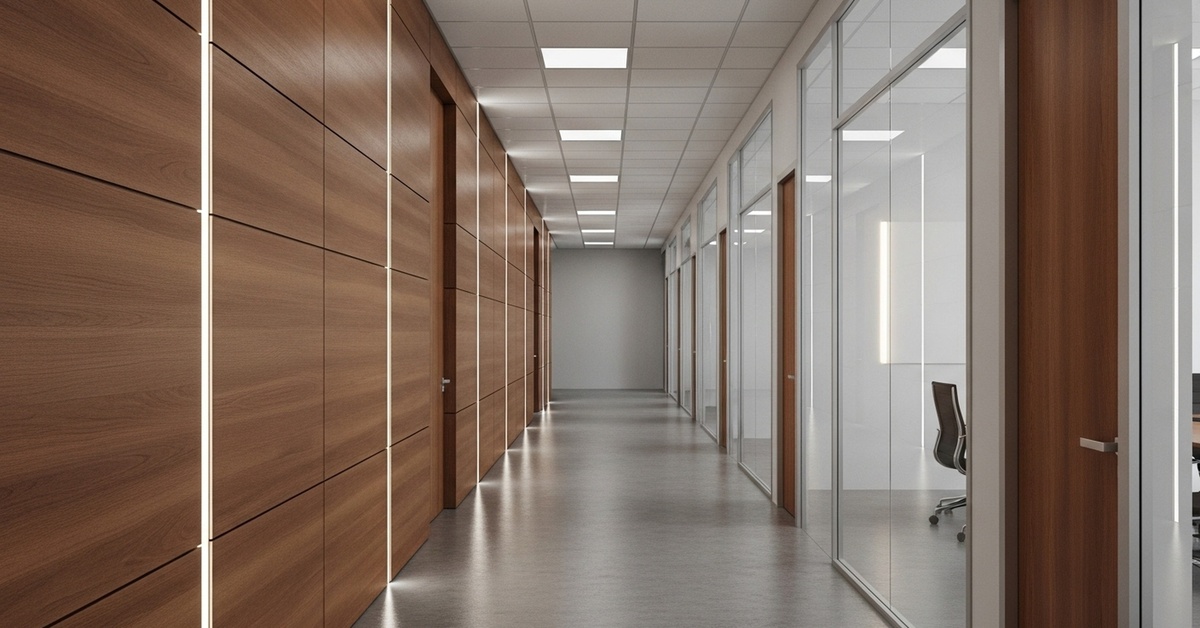
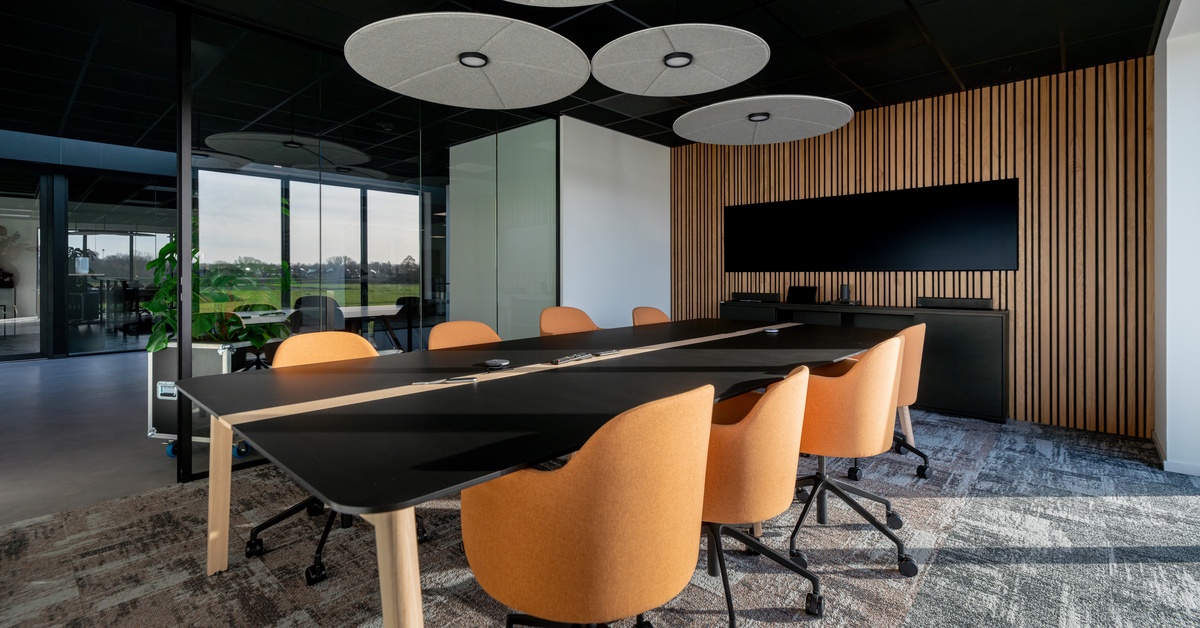
Workplace design keeps evolving as teams look for the right balance between openness and focus. Portland’s revised cube height standards for privacy now play a direct role in how offices approach layout, noise control, and day-to-day comfort.
These updates respond to changing work styles, where flexibility matters just as much as function. Companies that adjust their spaces with intention often see smoother workflows and more consistent productivity.
Why Cube Height Standards Matter
Cube height shapes how people experience a workspace. Lower panels support visibility and teamwork, while taller panels reduce distractions. Portland’s updated standards aim for balance. Teams stay connected without losing personal space.
What Changed in the Updated Guidelines
Portland adjusted recommended panel heights to match modern work habits. Many offices now use mid-height panels that sit between open benching and traditional cubicles. These configurations support hybrid work and varied tasks throughout the day.
Designers now prioritize layouts that shift with team needs rather than fixed setups.
Privacy Without Isolation
Employees often ask for more privacy, especially in open layouts. Taller panels alone rarely solve the issue. Layout, spacing, and orientation all influence how private a workstation feels.
You can support privacy by:
Positioning desks to reduce direct sightlines
Adding acoustic panels where noise builds
Creating shared quiet zones for focused work
Each choice works together to create a more comfortable environment.
Impact on Employee Experience
Workspace design directly affects how people perform. Constant noise and visual distractions make it harder to focus. Updated cube height standards help reduce those daily interruptions.
When employees feel comfortable, they stay engaged and productive throughout the day.
How Businesses Can Adapt
Every office has different needs. Some teams thrive in open layouts, while others require stronger separation. A clear plan helps match the space to how people actually work.
That’s where commercial office space planning comes into play. A well-structured plan looks at workflow, team size, and layout constraints before any decisions get made. That process leads to a more functional and efficient setup.
Materials Still Play a Role
Panel height works alongside material selection. Fabric panels help absorb sound, while glass panels keep lines of sight open. Laminate offers durability but does little for noise control.
A mix of materials often delivers better results across both performance and design.
Planning for Long-Term Flexibility
Office needs shift over time. Growth, staffing changes, and new tools all affect how a space functions. Adjustable panel systems give teams the ability to reconfigure without major disruption.
Modular layouts support change without requiring a full redesign.
Bringing It All Together
Designing around Portland’s revised cube height standards for privacy involves more than panel height alone. Layout, materials, and employee needs all play a role in the final result.
Central Oregon Office Interiors helps businesses create workspaces that balance privacy, collaboration, and flexibility. Their team handles design, furniture selection, and installation with a clear and practical approach.
If you’re planning updates to your workspace, our team can help you align layout, privacy, and functionality with a clear, practical approach.
https://centraloregonoffice.com/wp-content/uploads/2026/04/Rose-City-Office-Furnishings-431559-Office-Cubical-Modern-IMAGE-1.jpeg6281200jasonvendorhttps://centraloregonoffice.com/wp-content/uploads/2023/02/COOI_PNG2-2-300x73.pngjasonvendor2026-04-22 13:10:142026-04-22 13:10:14Portland’s Revised Cube Height Standards for Privacy
Selecting the right panel fabric plays a direct role in how a workplace performs day to day. While color and finish often guide early decisions, performance quickly becomes the priority once teams settle into the space. That is why comparing panel fabrics matters early in the process, especially when weighing acoustics vs. cleanability in active office environments. The right material supports focus, simplifies upkeep, and helps the space function as intended.
Central Oregon Office Interiors helps organizations approach these decisions with clarity. When materials align with how people actually work, the result feels intentional, efficient, and built to last.
Why Panel Fabric Selection Impacts Everyday Use
Panel systems do more than divide space. They influence movement, shape interaction, and affect how sound travels throughout the office.
Fabric choice directly impacts how a workspace feels over time. Some materials reduce distractions and support concentration, while others handle constant use with minimal upkeep. When teams overlook this balance, they often run into issues that affect both productivity and appearance.
A thoughtful selection process ensures materials support real workplace demands instead of creating avoidable challenges.
How Acoustic Performance Supports Focus
Sound control plays a major role in how comfortable and productive a workplace feels. In open environments, even small improvements in noise reduction can make a noticeable difference.
Fabrics designed for acoustic performance typically feature softer, more porous structures. These materials absorb sound rather than reflecting it, which helps reduce echo and background noise. As a result, conversations stay more contained and focused work becomes easier.
This becomes especially valuable in shared work areas, meeting spaces, and environments where teams rely on frequent communication.
What Makes a Fabric Easy to Maintain
Cleanability comes down to how well a material resists wear and how easily it handles routine care. In high-traffic offices, this factor often carries just as much weight as performance.
Tightly woven fabrics and coated materials tend to perform best in this category. They resist staining, limit absorption, and allow for quick cleaning without specialized care. This makes them ideal for spaces where surfaces see constant use.
The tradeoff is that smoother materials do not absorb sound as effectively. That makes it important to think about how each surface contributes to the overall environment.
Understanding the Tradeoffs Between Performance Factors
Every panel fabric offers a different balance between sound control and maintenance. No single material performs equally well in both areas across every application.
Sound-focused materials
Absorb noise effectively
Improve focus and reduce distractions
Require more consistent upkeep
Maintenance-focused materials
Resist stains and wear
Support quick, simple cleaning
Reflect more sound
Understanding these differences helps teams make more informed decisions. Instead of forcing one material to meet every need, you can align each choice with how the space functions.
Choosing Fabrics Based on How the Space Is Used
Every workplace supports a mix of activities. Some areas require quiet concentration, while others see constant movement and interaction. Fabric selection should reflect those differences.
Spaces designed for focused work benefit from materials that support sound control. These environments depend on reduced noise levels to function effectively.
Areas with frequent use require materials that handle daily wear without added maintenance. This includes shared workstations, circulation paths, and spaces where people gather throughout the day.
For businesses planning office workstations in Bend, Oregon, this balance becomes especially important. Many workplaces combine open layouts with flexible work zones, which calls for a layered approach rather than a single solution.
How Texture Influences Performance
Texture plays a key role in how panel fabrics perform over time. It affects both how sound behaves in a space and how easily surfaces stay clean.
More textured materials improve sound absorption by increasing surface area. These fabrics help control noise but may collect dust or debris more easily.
Smoother materials simplify cleaning and resist buildup. However, they tend to reflect sound, which can contribute to a more active noise environment if not balanced properly.
When evaluating materials, texture often provides a clear indication of how a fabric will perform beyond its initial appearance.
Where Each Fabric Type Performs Best
Instead of applying one fabric across the entire office, it makes more sense to match materials to how each area functions. This approach creates a better balance between sound control and everyday durability.
Acoustic fabrics work well in spaces where focus and conversation clarity matter most. Areas like meeting rooms, private work zones, and phone spaces benefit from materials that reduce noise and limit distractions.
Cleanable fabrics make more sense in areas that see constant use. Shared workstations, break areas, and high-contact surfaces need materials that handle spills, frequent touch, and quick cleaning without extra effort.
When you assign fabrics with intention, the entire workspace feels more functional. Each area supports the way people actually work instead of forcing one material to meet every need.
Planning for Maintenance and Longevity
Maintenance should align with how a space operates on a daily basis. A material that requires more care than a team can realistically provide will not perform well over time.
Sound-absorbing fabrics often need routine cleaning to maintain their appearance. This may include vacuuming or periodic professional care depending on the environment.
Materials designed for durability support faster, more consistent upkeep. They allow teams to maintain a clean and professional appearance without disrupting workflow.
When revisiting acoustics vs. cleanability, it becomes clear that long-term success depends on choosing materials that match both performance needs and maintenance expectations.
Bringing Performance and Design Together
Function and appearance should work together, not compete. Panel fabrics contribute to both the visual identity and the performance of a workspace.
Today’s material options offer flexibility in color, texture, and finish. This allows teams to create cohesive environments while still meeting practical needs.
Approaching comparing panel fabrics with both design and function in mind leads to stronger results. The space not only looks intentional but also supports how people use it every day.
Making the Right Decision for Your Workplace
Selecting panel fabrics requires a clear understanding of how your space operates. It involves balancing sound control, maintenance, and overall usability.
When materials align with real workplace demands, the environment feels more comfortable and performs more consistently. This leads to better outcomes for both teams and leadership.
Central Oregon Office Interiors helps guide these decisions with a focus on real-world application. Whether you are updating an existing space or planning something new, the right material choices create a workplace that supports productivity, flexibility, and long-term value.
https://centraloregonoffice.com/wp-content/uploads/2026/04/Rose-City-Office-Furnishings-431557-Modern-Office-Lounge-IMAGE-1.jpeg6281200jasonvendorhttps://centraloregonoffice.com/wp-content/uploads/2023/02/COOI_PNG2-2-300x73.pngjasonvendor2026-04-21 15:09:472026-04-21 15:11:26Comparing Panel Fabrics: Acoustics vs. Cleanability
Planning a new workspace requires more than selecting finishes and layouts. Lead times for custom commercial furniture orders directly impact move-in dates, renovation schedules, and overall project coordination. Many businesses underestimate how long it takes to manufacture custom pieces because production involves multiple stages. When you understand the timeline from the start, you can build a realistic schedule and avoid unnecessary pressure later.
Custom commercial furniture goes through several stages before arriving at your space, such as design approvals, sourcing materials, fabrication, quality checks, and freight coordination. Each stage influences the final delivery date. Careful planning helps keep all these steps synchronized.
What “Lead Time” Actually Covers
Lead time covers the entire process from placing the order to on-site delivery. After you finalize specifications, manufacturers verify materials and schedule your order for production.
Fabrication teams then construct each component according to your approved choices. Once production is complete, teams ready the products for shipping. Freight carriers organize routes and delivery times, adding another step to the timeline.
Typical Production Timeframes
Most custom commercial furniture typically takes between six and fourteen weeks to manufacture. Different categories, such as workstations, casegoods, seating, and storage systems, often have varying production timelines.
For larger projects that involve different product types, it’s helpful to plan with staggered schedules. Understanding the usual timeframes can make it easier to set realistic expectations right from the beginning.
Customization and Its Impact on Scheduling
Customization gives your workspace character and function. Custom sizes, finish combinations, integrated power, and tailored configurations require precision manufacturing. Factories build these elements in stages, which increases production time compared to in-stock inventory.
While customization extends timelines, it delivers long-term performance and visual consistency. Careful design planning ensures that added detail supports your operational goals without creating avoidable delays.
Material Selection Matters
Material availability significantly influences production speed. Standard laminates and common textiles typically move quickly through the sourcing and fabrication process. Specialty materials may require extended lead times due to supplier schedules.
When teams review material availability during the planning phase, they make informed decisions that align with project deadlines. This step prevents last-minute substitutions or timeline shifts.
Key Variables That Influence Delivery
Several factors determine how quickly your furniture arrives:
Level of product customization
Availability of selected finishes and fabrics
Manufacturer production capacity
Total size of the order
Freight scheduling and shipping distance
Each variable affects production sequencing and coordination. Early approvals and organized communication help manufacturers move directly into fabrication without interruptions.
Shipping and Installation Coordination
Production completion marks only one milestone. Freight carriers schedule deliveries based on regional routes and warehouse processing. Larger commercial projects often ship in phases to maintain organization during installation.
Installation teams must coordinate with construction schedules. Flooring, electrical work, and painting should finish before furniture arrives. Careful sequencing ensures a smooth transition from delivery to final setup.
Building a Realistic Project Timeline
Workspace renovations require strategic planning from the beginning. Lead times for custom commercial furniture orders vary based on design decisions, material choices, factory schedules, and shipping logistics. When businesses account for these factors early, they maintain better control over their project timeline.
When teams stay aligned from the beginning, projects move forward with fewer surprises and better timing. That kind of coordination makes a noticeable difference in office furniture and design, especially when custom pieces require careful scheduling from production through installation.
https://centraloregonoffice.com/wp-content/uploads/2026/03/Rose-City-Office-Furnishings-426170-Modern-Commercial-Furniture-IMAGE-1.jpg6281200jasonvendorhttps://centraloregonoffice.com/wp-content/uploads/2023/02/COOI_PNG2-2-300x73.pngjasonvendor2026-03-25 18:17:542026-03-25 18:17:54Lead Times for Custom Commercial Furniture Orders